shadcn Label
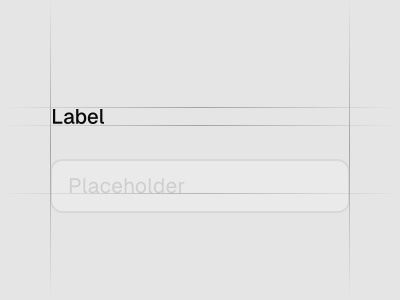
Renders an accessible label associated with controls. Preview it in Figma or edit it in DS Manager with your own tokens.
 Loading the Figma preview…
In the Figma kit
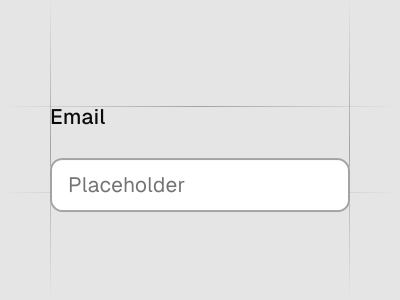
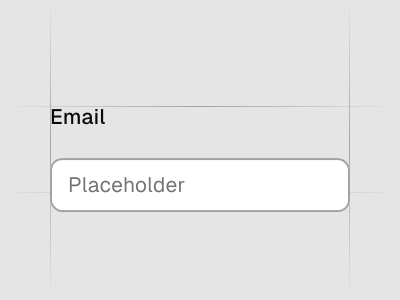
Default, with required indicator, and disabled state. The Figma component uses the same variant and size names as the React code, so the design maps directly to the component in your project.
Figma kitReact8 stylesLast updated 12 Mar 2026
Label component for shadcn/ui in Figma
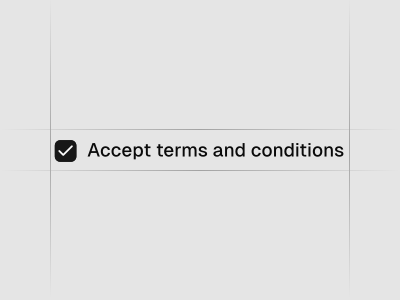
Labels clearly describe the purpose of inputs and controls. They improve usability and accessibility by giving every field a visible, clickable description.
Used in these blocks
5 of 437 Pro Blocks
Related components
FAQs
Where should labels be placed?
Above inputs for best readability; align left and keep copy concise.
Can placeholders replace labels?
No; placeholders supplement labels and shouldn’t be the only description.
How do I link a label to a control?
Associate them in code so clicking the label focuses the corresponding field.
What about required fields?
Indicate required/optional state consistently and explain validation rules nearby.