shadcn Combobox
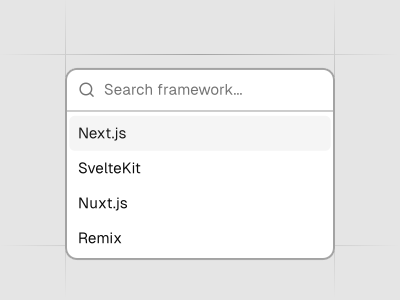
Autocomplete input and command palette with a list of suggestions. Preview it in Figma or edit it in DS Manager with your own tokens.
 Loading the Figma preview…
In the Figma kit
Popover with a searchable list, single and multiple selection, grouped items and an empty state. The Figma component uses the same variant and size names as the React code, so the design maps directly to the component in your project.
Figma kitReact8 stylesLast updated 12 Mar 2026
Combobox component for shadcn/ui in Figma
The Combobox blends an input field with a list of suggestions to create an autocomplete experience. Use it for searching commands, filtering long lists or providing a command palette. As users type, the list narrows, and the styling aligns with the rest of the kit so that search fields feel native to your app.
Related components
FAQs
How does the combobox differ from a standard dropdown?
It lets users type to filter a large list of items, whereas a dropdown shows all items at once.
Can I group suggestions or add section headings?
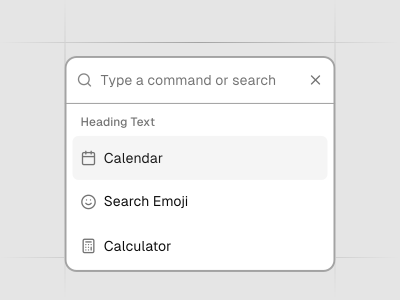
Yes; divide the suggestion list into logical groups with headings such as “Pages” or “Commands.”
Is keyboard navigation supported?
Users can move through suggestions using arrow keys and press Enter to select one.
How do I customize the empty state?
Provide a message like “No results found” and include a call‑to‑action to create a new item if appropriate.