shadcn/ui components
Every shadcn/ui component, recreated as a Figma component that matches the React code. 64 components and 5 icon libraries with the same variants, sizes and states as ui.shadcn.com, all 8 shadcn/ui styles, light and dark mode, and Figma variables mapped to the shadcn/ui CSS variables. Open any component for its Figma preview and a link to the docs.
Perfect code parity
Every component matches shadcn/ui exactly. What you design is what developers build.
Auto-layout included
Components that flex and adapt like real code. Resize, stack, and align without breaking.
Instant theming
Change your entire design system in seconds with Figma variables.
Light & dark themes
Switch between light and dark mode with ease thanks to smart Figma variables setup.
Always up-to-date
All states, sizes, and styles built-in. From hover effects to error states - everything's covered.
Charts & graphs
Built-in charts and graphs to help you visualize data and make informed decisions.
Prototype faster
Whip up interactive designs in minutes with built-in Figma interactions.
Multi-brand support
Create and manage multiple styles for different brands within a single design system.
AI-Ready components
Works with v0 and AI tools that already understand shadcn/ui structure.
"This is the ultimate Figma kit for shadcn/ui. If I were to build a Figma kit, this is what I would've built."
shadcn
Creator of shadcn/ui
Forms and inputs
19 components
Button
Displays a button or a component that looks like a button.
Button Group
A container that groups related buttons together with consistent styling.
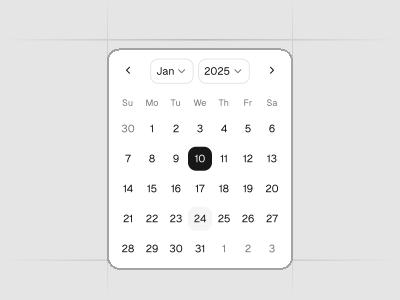
Calendar
A date field component that allows users to enter and edit date.
Checkbox
A control that allows the user to toggle between checked and not checked.
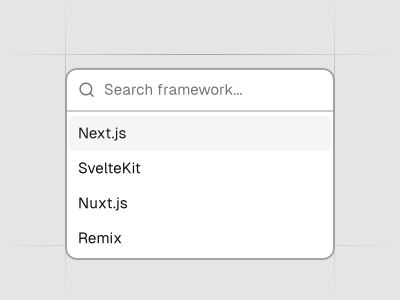
Combobox
Autocomplete input and command palette with a list of suggestions.
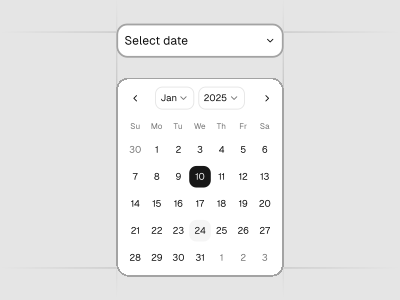
Date Picker
A date picker component with range and presets.
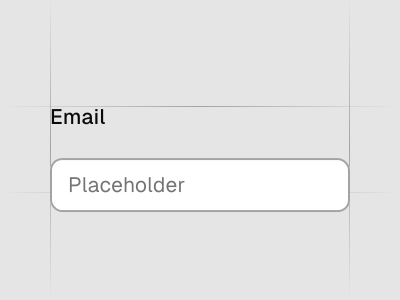
Field
Combine labels, controls, and help text to compose accessible form fields and grouped inputs.
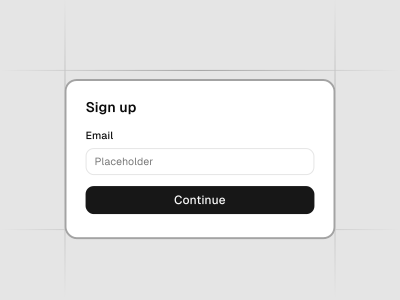
Form
A structured collection of input fields, dropdowns, checkboxes, buttons, and other UI elements designed to collect and submit data from the user. Forms are built using various components within this project, allowing for customized and dynamic user input experiences.
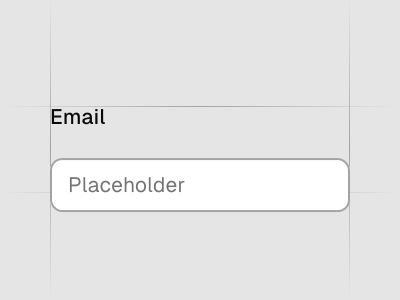
Input
Displays a form input field or a component that looks like an input field.
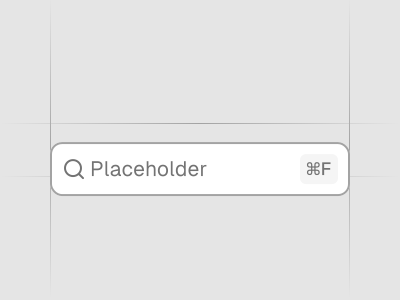
Input Group
Display additional information or actions to an input or textarea.
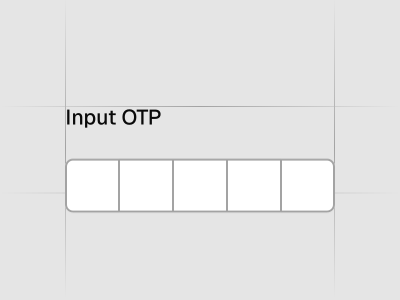
Input OTP
Accessible one-time password component with copy paste functionality.
Label
Renders an accessible label associated with controls.
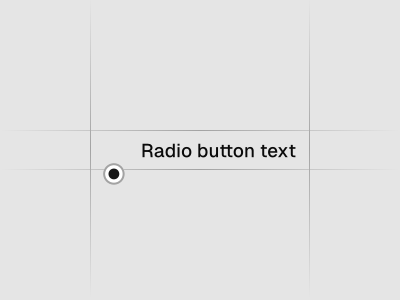
Radio Group
A set of checkable buttons—known as radio buttons—where no more than one of the buttons can be checked at a time.
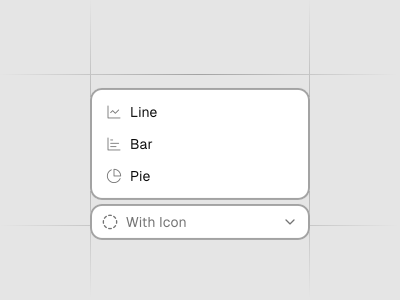
Select
Displays a list of options for the user to pick from—triggered by a button.
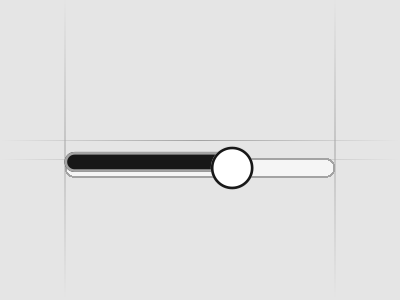
Slider
An input where the user selects a value from within a given range.
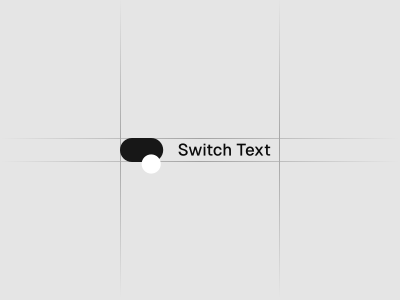
Switch
A control that allows the user to toggle between checked and not checked.
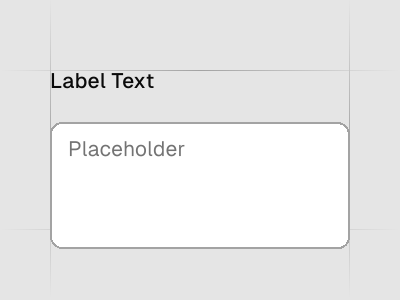
Textarea
Displays a form textarea or a component that looks like a textarea.
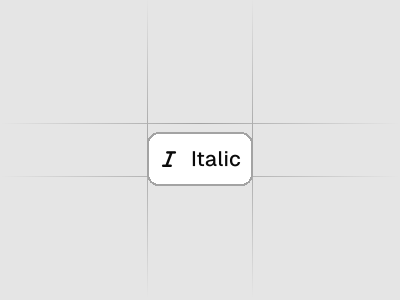
Toggle
A two-state button that can be either on or off.
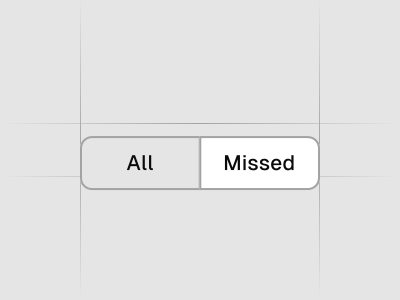
Toggle Group
A set of two-state buttons that can be toggled on or off.
Navigation
7 components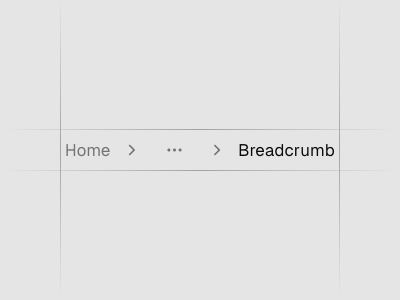
Breadcrumb
Displays the path to the current resource using a hierarchy of links.
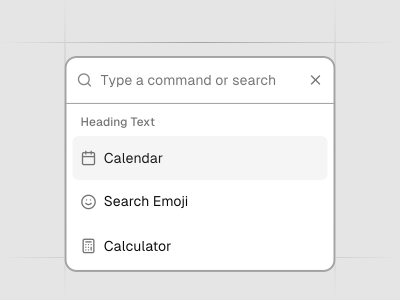
Command
Fast, composable, unstyled command menu for React.
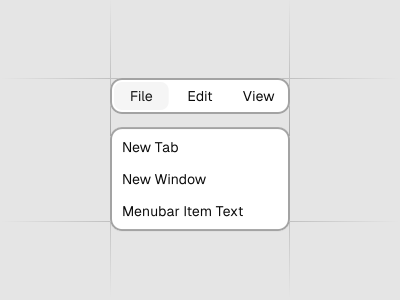
Menubar
A visually persistent menu common in desktop applications that provides quick access to a consistent set of commands.
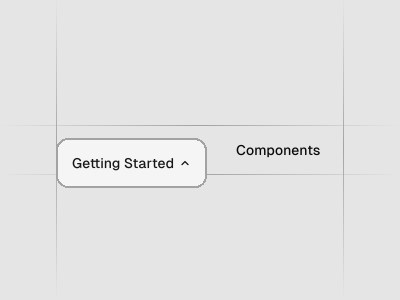
Navigation Menu
A collection of links for navigating websites.
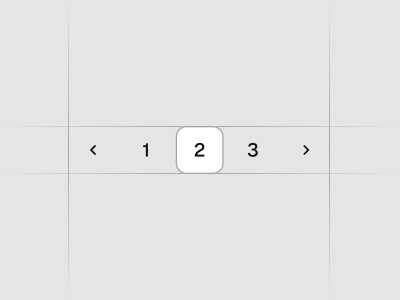
Pagination
Pagination with page navigation, next and previous links.
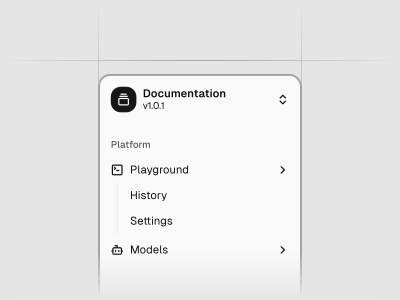
Sidebar
A composable, themeable and customizable sidebar component.
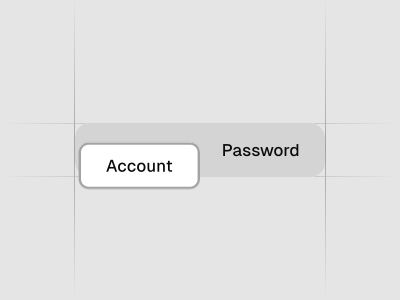
Tabs
A set of layered sections of content—known as tab panels—that are displayed one at a time.
Overlays and menus
9 components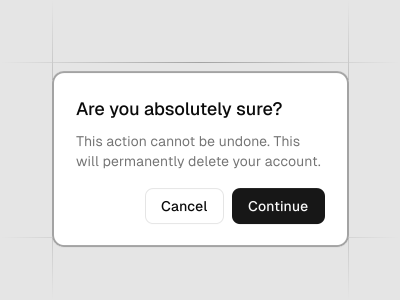
Alert Dialog
A modal dialog that interrupts the user with important content and expects a response.
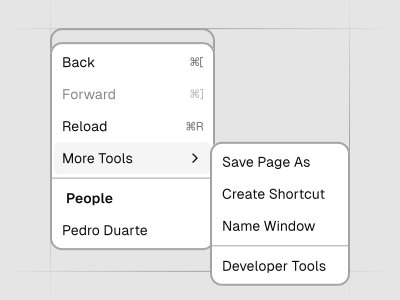
Context Menu
Displays a menu to the user — such as a set of actions or functions — triggered by a button.
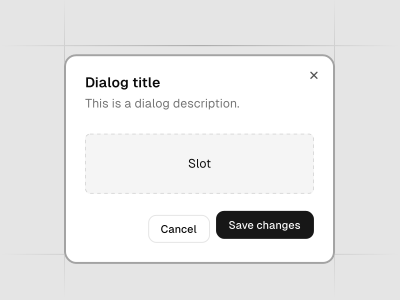
Dialog
A window overlaid on either the primary window or another dialog window, rendering the content underneath inert.
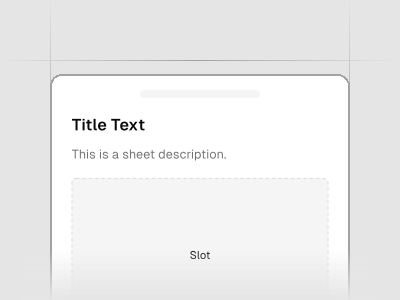
Drawer
A drawer component for React.
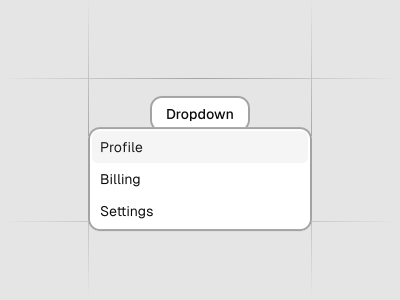
Dropdown Menu
Displays a menu to the user — such as a set of actions or functions — triggered by a button.
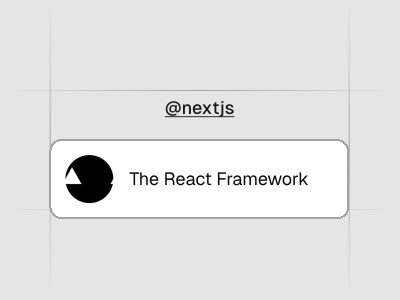
Hover Card
For sighted users to preview content available behind a link.
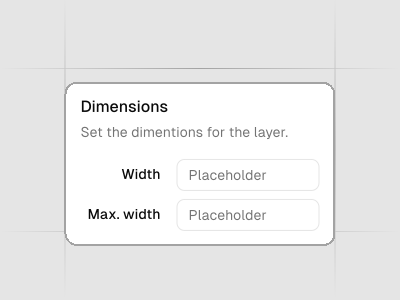
Popover
Displays rich content in a portal, triggered by a button.
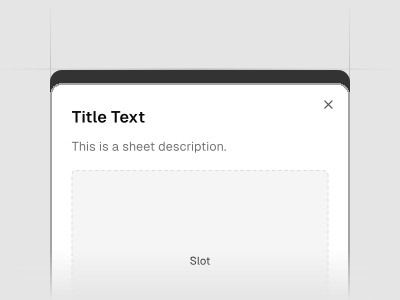
Sheet
Extends the Dialog component to display content that complements the main content of the screen.
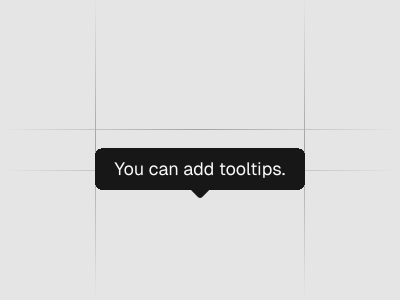
Tooltip
A popup that displays information related to an element when the element receives keyboard focus or the mouse hovers over it.
Feedback and status
8 components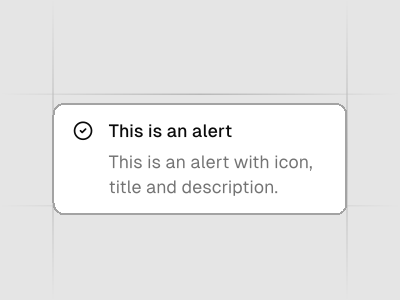
Alert
Displays a callout for user attention.
Badge
Displays a badge or a component that looks like a badge.
Empty
Use the Empty component to display a empty state.
Progress
Displays an indicator showing the completion progress of a task, typically displayed as a progress bar.
Skeleton
Use to show a placeholder while content is loading.
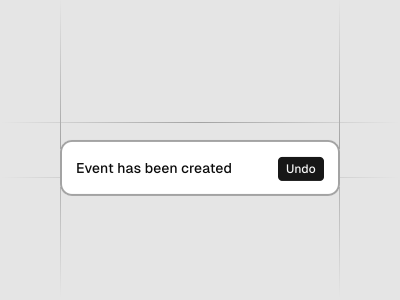
Sonner
An opinionated toast component for React.
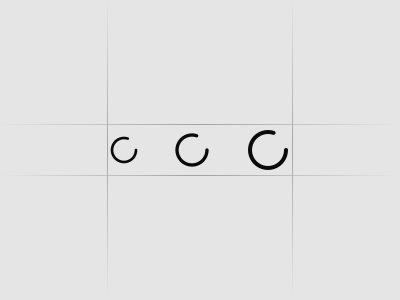
Spinner
An indicator that can be used to show a loading state.
Toast
A succinct message that is displayed temporarily.
Data display
12 components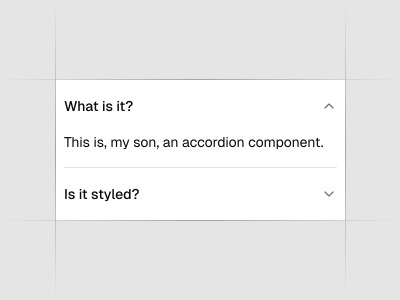
Accordion
A vertically stacked set of interactive headings that each reveal a section of content.
Avatar
An image element with a fallback for representing the user.
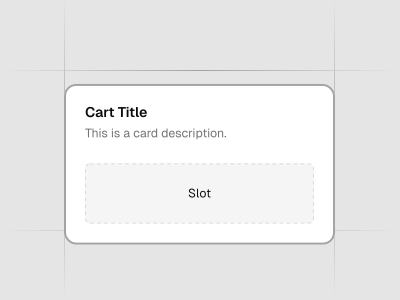
Card
Displays a card with header, content, and footer.
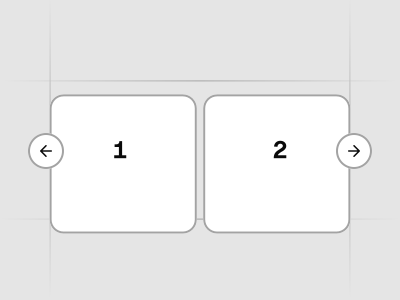
Carousel
A carousel with motion and swipe built using Embla.
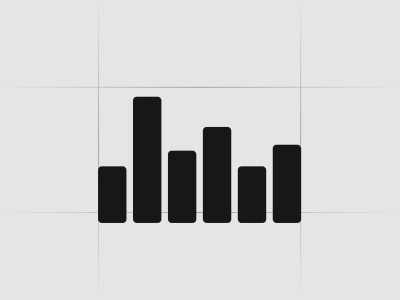
Chart
Beautiful charts. Built using Recharts. Copy and paste into your apps.
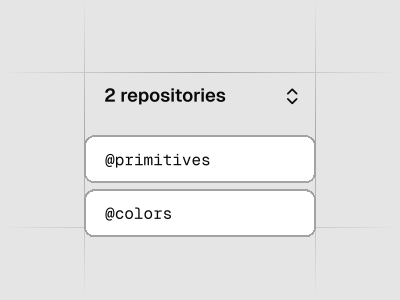
Collapsible
An interactive component which expands/collapses a panel.
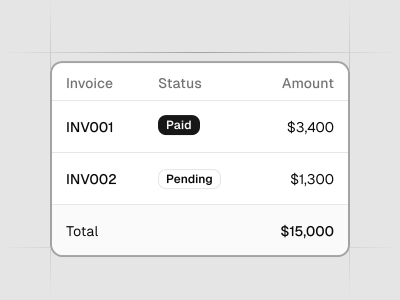
Data Table
Powerful table and datagrids built using TanStack Table.
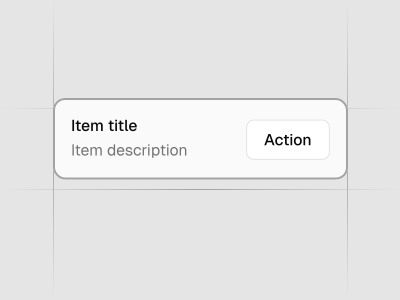
Item
A versatile component that you can use to display any content.
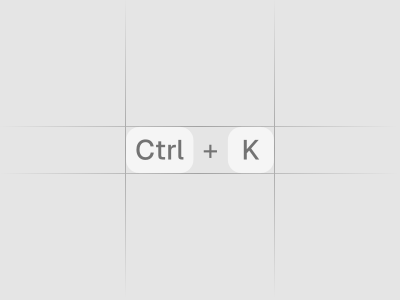
Kbd
Used to display textual user input from keyboard.
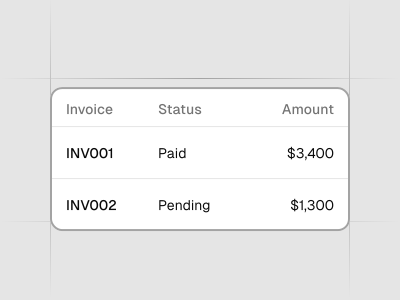
Table
A responsive table component.
Typeset
A styling system for HTML and rendered markdown, from blog posts to streaming chat. One CSS file you own.
Typography
Styles for headings, paragraphs, lists...etc
Layout
4 components
AI and chat
5 components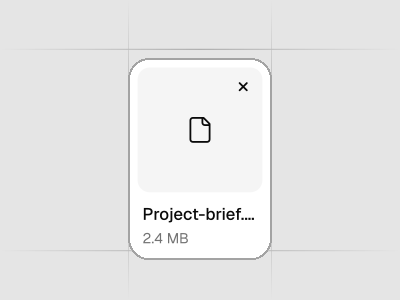
Attachment
Displays a file or image attachment with media, metadata, upload state, and actions.
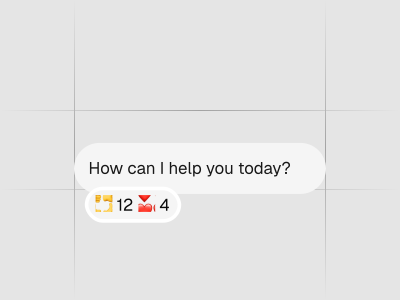
Bubble
Displays conversational content in a message bubble. Supports variants, alignment, grouping, reactions, and collapsible content.
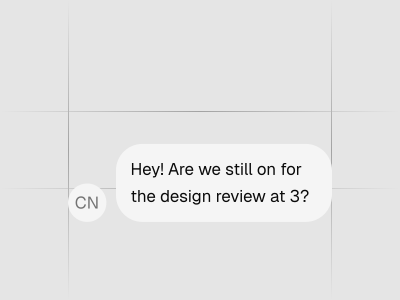
Message
Displays a message in a conversation, with optional avatar, header, footer, and alignment.
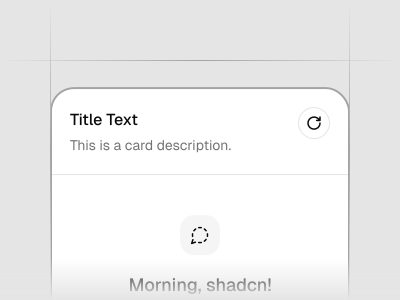
Message Scroller
A chat scroll container that anchors turns, opens saved transcripts, follows streamed responses, loads history without jumping, and jumps to any message.
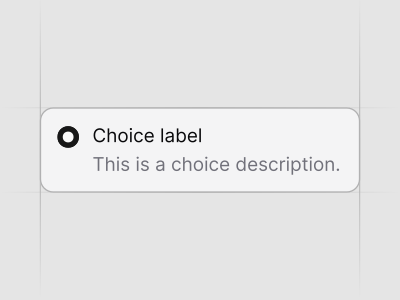
Questionnaire
A multi-step questionnaire with single-choice, multiple-choice, freeform, and skippable questions.
Icons
5 components
Icons - HugeIcons
A bold, expressive icon set with multiple styles for building distinctive product UIs.
Icons - Lucide Icons
A flexible collection of clean, consistent line icons designed for modern product interfaces.
Icons - Phosphor Icons
A flexible icon family with multiple weights and styles for building accessible, characterful interfaces.
Icons - Remix Icon
A friendly, open‑source icon set with filled and outlined variants that work well in web apps and dashboards.
Icons - Tabler Icons
A comprehensive set of outline icons with sharp geometry and great coverage for product use‑cases.
Join 8K+ pros who design & ship faster
Our ecosystem eliminates the friction between design and development. Every role gets exactly what they need to work and collaborate faster.
Designers
Ship pixel-perfect designs that developers can actually build
Design 10x faster with pre-built components and blocks
Stay current with AI tools that already understand your components
Focus on UX and conversion, not component building from scratch
Level up your skills with shadcn/ui best practices built-in
"Our company selected shadcn as our primary design library, and its been a fantastic choice. The design kit is sleek, modern, and offers excellent UX right out of the box. Its comprehensive variable system has significantly improved our efforts around branding and accessibility."
Ryan Almoneda
UX Designer @ BlackDuck
shadcn/ui components: frequently asked questions
A list of every shadcn/ui component available in the shadcn/ui kit for Figma: 64 components and 5 icon libraries. Each component page shows the Figma preview, the variants, sizes and states included in the kit, and a link to the shadcn/ui docs for the matching React code.
Yes. Each Figma component uses the same variant names, sizes, spacing and color tokens as the shadcn/ui code, so a design maps one to one to the component in your codebase. Figma variables mirror the shadcn/ui CSS variables, including light and dark mode.
All 8 shadcn/ui styles in one file: Nova, Vega, Mira, Luma, Sera, Maia, Rhea and Lyra. You switch styles from the Figma variables panel and every component updates.
The Figma preview file is free to open and inspect. Editing the components in your own Figma files needs a license from the pricing page. The React code for every component is open source on ui.shadcn.com.
Each component page links to the official shadcn/ui docs, where you install the component with the shadcn CLI. Premium customers can also generate code from Figma with the Figma to shadcn/ui plugin and the agent skills.
New components are added after each shadcn/ui release, and updates are free for the lifetime of the license. You get an email with the updated Figma file whenever a new version ships.