Production-ready code
Battle-tested code optimized for performance, accessibility, and seamless integration with shadcn/ui, React, and Next.js.
Responsive by design
Components automatically adapt to any screen size, delivering flawless experiences on every device without extra work.
Pixel-perfect components
What you design is exactly what you build. Maintains precise shadcn/ui standards for spacing, typography, and consistency.
Rapid implementation
Go from idea to live feature in minutes. Pre-built patterns for dashboards, landing pages, and complex interfaces.
Customization freedom
Make it yours in seconds. Easily adjust colors, spacing, and layouts while keeping the shadcn/ui design system intact.
Install with the CLI
Start building immediately. Find the block you need, copy the CLI command, and run it in your shadcn/ui project.
"The Pro Blocks are a game-changer. They are easy to use and customize, and they are a great way to build with shadcn/ui faster."
OrcDev
Creator of 8bitcn
Beautiful UI blocks for your next project
Skip the hassle of building layouts from scratch. Elevate your projects with prebuilt components for lightning-fast development and stunning designs.
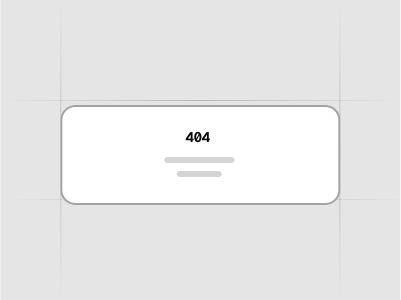
3 blocks
Error page layouts with navigation options for lost visitors - built with shadcn/ui.
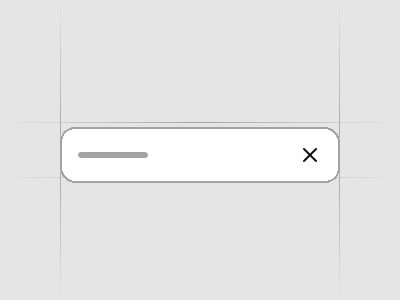
6 blocks
Promotional announcement strips for important messages and offers - built with shadcn/ui.
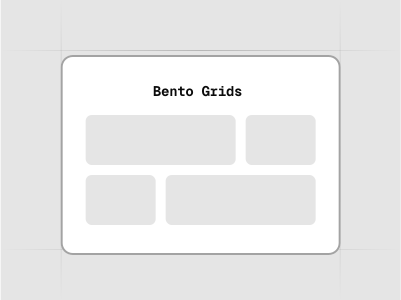
6 blocks
Modular grid layouts for displaying diverse content blocks - built with shadcn/ui.
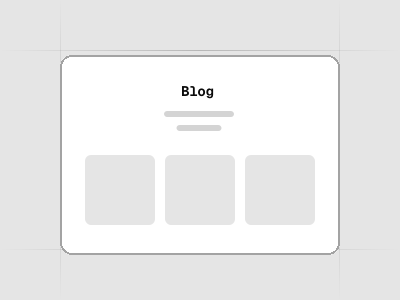
5 blocks
Content layouts for displaying blog posts and articles in various grid formats - built with shadcn/ui.
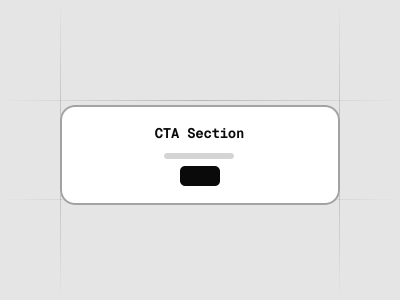
7 blocks
Call-to-action blocks designed to drive user engagement and conversions - built with shadcn/ui.
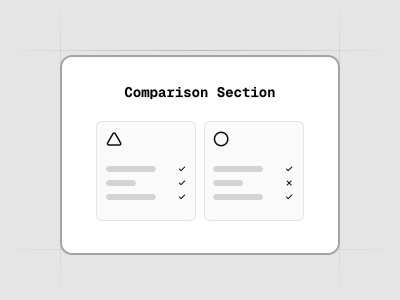
6 blocks
Comparison sections for comparing your product or service with competitors - built with shadcn/ui.
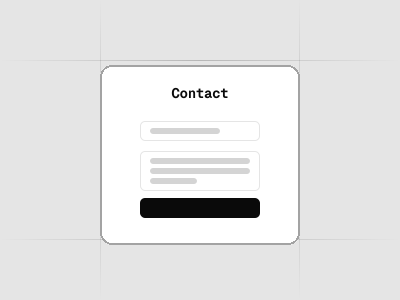
6 blocks
Contact form layouts with various input fields and submission options - built with shadcn/ui.
4 blocks
Use these sections as a foundational starting point, where you can add your content below.
5 blocks
Expandable question and answer layouts for addressing common inquiries - built with shadcn/ui.
20 blocks
Showcase layouts for highlighting product features and benefits - built with shadcn/ui.
9 blocks
Bottom page sections containing site navigation and legal information - built with shadcn/ui.
12 blocks
Gallery sections are perfect for showcasing your product in a more engaging way with a grid of images.
20 blocks
Header sections for landing pages with navigation, branding, and call-to-action elements - built with shadcn/ui.
22 blocks
Primary landing page sections for main value propositions and key messages - built with shadcn/ui.
7 blocks
Navigation bars specifically designed for landing pages - built with shadcn/ui.
1 blocks
Complete landing page examples showcasing different layouts and combinations of sections - built with shadcn/ui.
7 blocks
Logo sections for displaying client logos, partners, or brand showcases - built with shadcn/ui.
30 blocks
Background patterns and decorative elements for enhancing visual appeal - built with shadcn/ui.
5 blocks
Pricing table layouts for showcasing product tiers and features - built with shadcn/ui.
5 blocks
Formatted content blocks for displaying styled text and media elements - built with shadcn/ui.
7 blocks
Layouts for landing pages presenting impactful statistics - built with shadcn/ui.
4 blocks
Professional team layouts with photos, avatars, names, and roles - built with shadcn/ui.
7 blocks
Customer review and social proof display layouts - built with shadcn/ui.
4 blocks
The main wrapper for your entire application layouts - built with shadcn/ui.
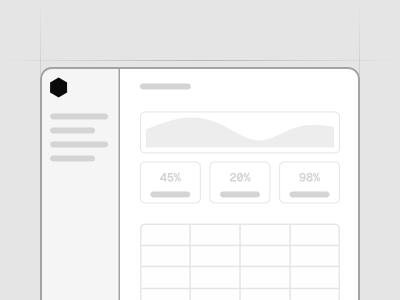
1 blocks
Complete application examples showcasing different layouts and combinations of sections - built with shadcn/ui.
10 blocks
Interactive elements that trigger actions, available in multiple variants - built with shadcn/ui.
8 blocks
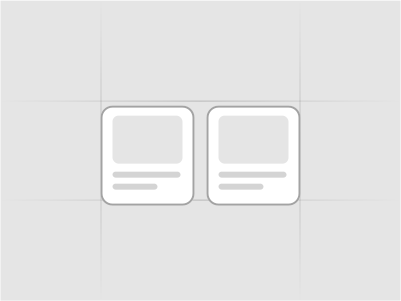
Customizable cards for showcasing products, content, or user actions - built with shadcn/ui.
4 blocks
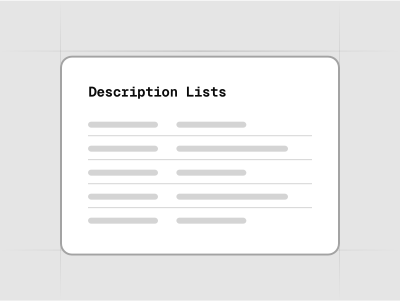
Structured lists for pairing terms with detailed descriptions - built with shadcn/ui.
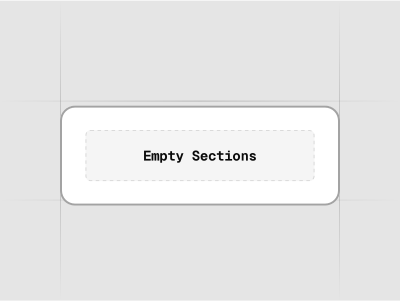
4 blocks
Empty state sections for apps and dashboards with actionable prompts for user guidance - built with shadcn/ui.
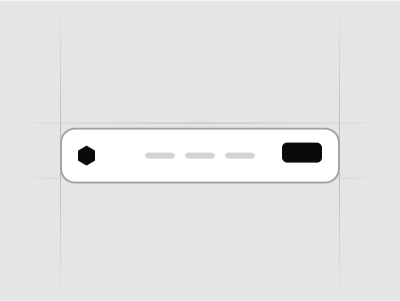
3 blocks
Navigation bars for applications with user menus, search, and branding - built with shadcn/ui.
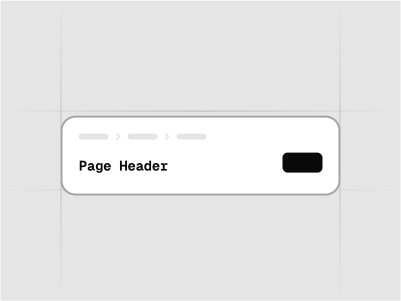
8 blocks
Page headers for applications with titles, descriptions, and action buttons - built with shadcn/ui.
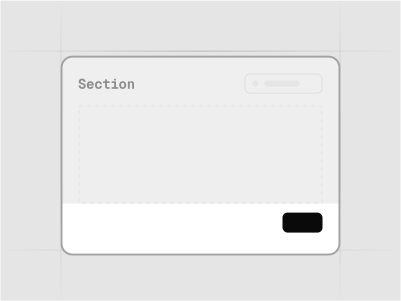
5 blocks
Section footers for applications with pagination, actions, and metadata - built with shadcn/ui.
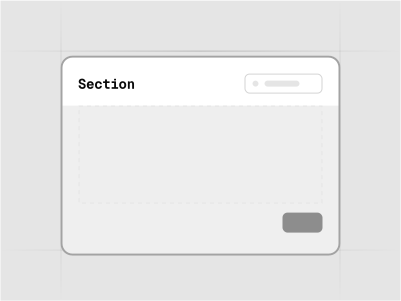
5 blocks
Section headers for applications with titles, descriptions, and action buttons - built with shadcn/ui.
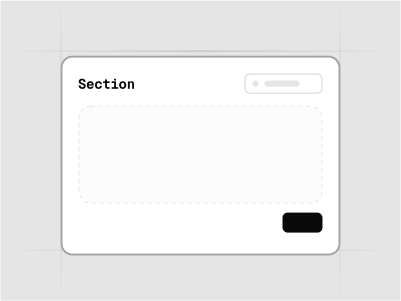
4 blocks
Basic application sections for organizing content and functionality - built with shadcn/ui.
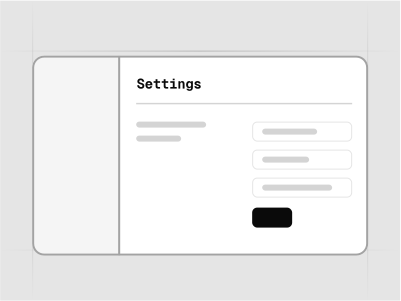
7 blocks
Settings pages and forms for application configuration - built with shadcn/ui.
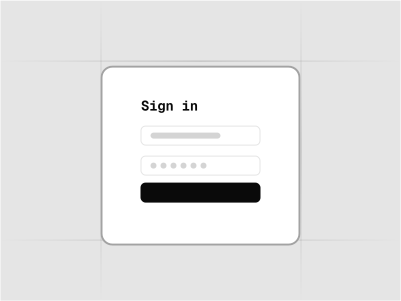
10 blocks
Sign in forms and authentication pages - built with shadcn/ui.
7 blocks
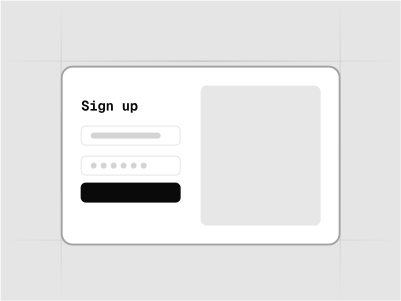
Sign up forms and registration pages - built with shadcn/ui.
4 blocks
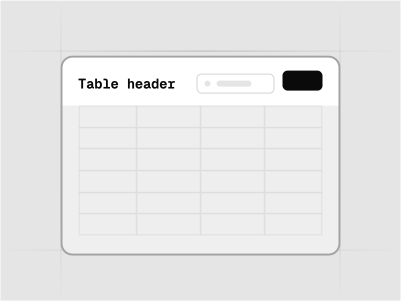
Table headers for data tables with titles, actions, and filters - built with shadcn/ui.
3 blocks
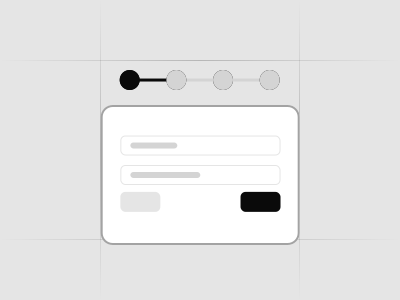
Checkout page layouts for processing orders and collecting payment information - built with shadcn/ui.
6 blocks
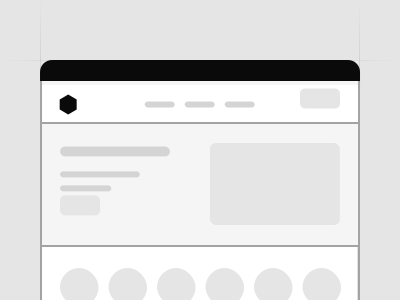
Complete e-commerce page examples showcasing different layouts and combinations of sections - built with shadcn/ui.
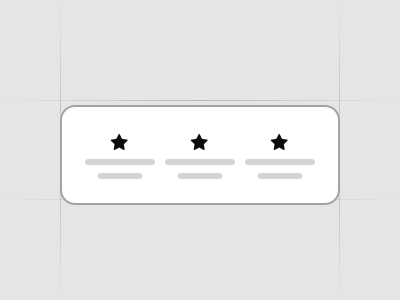
6 blocks
Promotional incentive blocks for displaying discounts, offers, and special deals - built with shadcn/ui.
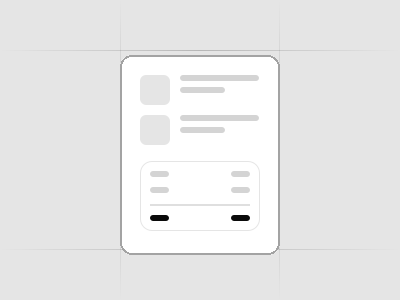
4 blocks
Order summary components for displaying cart contents, pricing breakdown, and totals - built with shadcn/ui.
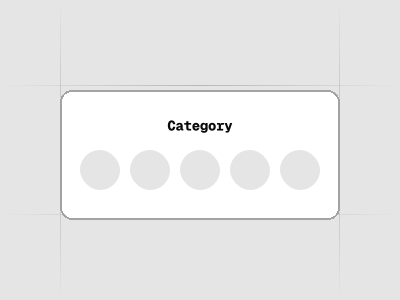
7 blocks
Product category page layouts for browsing and filtering products by category - built with shadcn/ui.
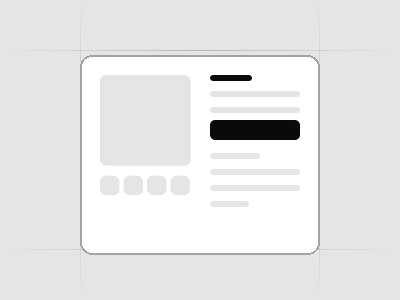
7 blocks
Product page header sections with images, titles, prices, and key product information - built with shadcn/ui.
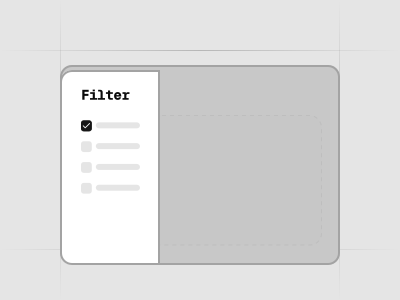
3 blocks
Filter components for refining product search results by price, brand, features, and more - built with shadcn/ui.
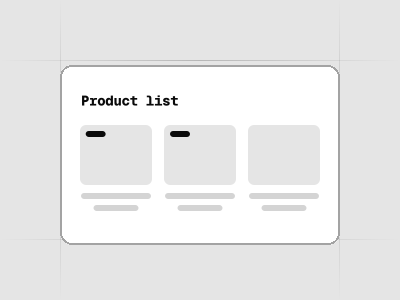
6 blocks
Product listing layouts for displaying multiple products in grid or list formats - built with shadcn/ui.
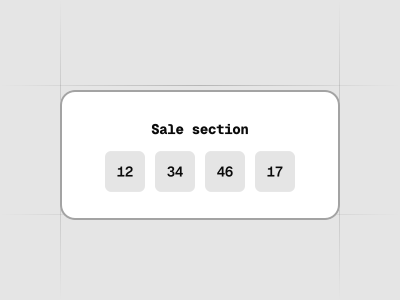
5 blocks
Sale and promotion sections for highlighting special offers, discounts, and limited-time deals - built with shadcn/ui.
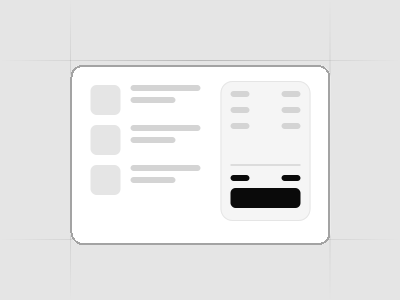
4 blocks
Shopping cart components for managing items, quantities, and proceeding to checkout - built with shadcn/ui.
4 blocks
Navigation bars specifically designed for e-commerce stores with cart, search, and account features - built with shadcn/ui.
Join 8K+ pros who design & ship faster
Our ecosystem eliminates the friction between design and development. Every role gets exactly what they need to work and collaborate faster.
Designers
Ship pixel-perfect designs that developers can actually build
Design 10x faster with pre-built components and blocks
Stay current with AI tools that already understand your components
Focus on UX and conversion, not component building from scratch
Level up your skills with shadcn/ui best practices built-in
"Our company selected shadcn as our primary design library, and its been a fantastic choice. The design kit is sleek, modern, and offers excellent UX right out of the box. Its comprehensive variable system has significantly improved our efforts around branding and accessibility."
Ryan Almoneda
UX Designer @ BlackDuck
Frequently asked questions
The shadcn/ui is a popular, open-source UI component library for React that focuses on flexibility and customization. It provides a set of accessible, customizable components that you can use to build modern web applications.
The shadcn/ui kit for Figma is our comprehensive design kit that brings the shadcn/ui components into the Figma environment. It allows designers to create interfaces using shadcn/ui components directly in Figma, ensuring consistency between design and development.
Absolutely! Our kit is intuitive and comes with documentation and Academy to help you get started, regardless of your familiarity with Figma or shadcn/ui.
Yes, both our Figma kit and Pro Blocks are fully compatible with Tailwind CSS v4, incorporating all its latest features and updates.
Yes! Multi-brand support is built in. Each brand becomes its own Style mode in the kit, so you can switch an entire page or frame to a brand with a single mode change — and keep every brand together in one file. Add a new brand style by hand with Figma variables or let the plugin create it for you.
By providing pre-built, customizable components and templates, you can skip the repetitive setup work and focus on the unique aspects of your design. Our comprehensive asset library and pre-built screens also help speed up your workflow. What is more you can also save time on development and use shadcn/ui React library to code your designed interfaces.
Our components are built to closely match the shadcn/ui library, significantly reducing misinterpretations and implementation errors. This leads to smoother handoffs and fewer back-and-forths between design and development teams.
After each update, we will send you an email with the new updated Figma files. Make sure to move all our messages to your Main Inbox, so you don't skip them.
We provide updates to align with the latest shadcn/ui releases and incorporate user feedback. We also aim to provide updates as soon as possible.
In our framework, updates primarily come in the form of new components that we add to the kit. While the latest version includes minor bug fixes and improvements, you can continue using your current version without any disruption to your existing workflow.
It's important to note that Figma operates on a file-based system rather than functioning like a code repository. This means that updates cannot be automatically installed like software packages.
Given this limitation, we recommend simply copying over any new components you need from the updated version into your existing project. This approach allows you to selectively incorporate the improvements that are most relevant to your work.
We focus on outcomes, not hype. You get detailed documentation, a hands-on Academy, and dedicated support directly from the founder - so you're never stuck.
Our solution is a complete toolset built around shadcn/ui: a polished Figma kit, production-ready Pro Blocks, and a dedicated Figma plugin - everything you need to ship shadcn/ui projects faster with confidence.
We prioritize quality over quantity. Every component is thoughtfully designed, consistent, and maintained that even our competitors copy from us.
Our kit is also endorsed by the creator of shadcn/ui, which speaks to its quality and alignment with the ecosystem. Plus, over 6500 creators and teams trusted us already and use our kit to ship shadcn/ui projects faster.
Every shadcn/ui kit on Figma Community I found was of poor quality, missing components or was outdated. This is why I created my own and you can use it too if you want. If you don’t, feel free to use the free ones but you might lose some hair.
Why to choose our UI kit over other kits?
- Quick updates - whenever there is a new component or improvement to the official shadcn/ui library we release the update within a few days.
- Tailwind v4 - our UI kit just like official shadcn/ui components comes with the support for the newest version of Tailwind v4.
- Customer support- we usually reply within 24 hours if you have questions or need support with the UI kit.
- Additional resources - the UI kit comes with dedicated Figma plugin and Pro Blocks to supply you with great shadcn/ui resources to speed up your workflow.
- Education - unlike the free kits that are often missing crucial documentation, our UI kit comes with the extensive documentation and Academy allowing you to get started immediately.
- Dedication - shadcn/ui kit for Figma is not just another side project made over the weekend to get some likes on the Figma Community. We are constantly improving it with new features and components.
Yes. You don't need Figma's paid plan to use the UI kit.
All 8 shadcn/ui styles ship in one Figma kit file — Nova, Vega, Mira, Luma, Sera, Maia, Rhea, and Lyra. Nova is the default style, the same one you see in the official shadcn/ui component docs, and you can switch to any of the others at any time. Learn more in the styles documentation.
Basic includes the Nova style. Plus and Premium include all 8 styles in the Pro kit: Nova, Vega, Mira, Luma, Sera, Maia, Rhea & Lyra. Compare packages on the pricing page and learn more in the styles documentation.
The kit includes a Style collection with one mode per style. Switch the Style mode on a page or frame to restyle just that part, or set the mode you want as the kit's default for everything — control heights, radii, shadows, and typography all follow automatically. Learn more in the styles documentation.
Yes. The Create feature has a Style field that sets your chosen style as the kit's default, and decode fills that field for you from your presets. Switching the style on a single page or frame stays in the kit itself — just set the Style mode on that page or frame.
Typeset is the kit's prose and markdown system — a set of ready-made text components (headings, paragraphs, lists, blockquotes, code, tables, and more) with matching text styles and comfortable reading widths, so long-form and documentation-style content is quick to lay out. Learn more in the Typeset documentation.
Yes. A custom brand becomes a new Style mode in the kit. You can add it by hand in Figma, or let the plugin's Import add your codebase variables as a new style automatically.
Keep in mind that how many modes a collection can hold depends on your Figma plan. If you reach your plan's limit, you can overwrite one of the existing styles with your brand instead of adding a new mode.
The headline change: all 8 shadcn/ui styles now ship in a single kit file, so you can restyle an entire design by switching one Style mode. The release also adds the Typeset prose system and a rebuilt variable architecture. Read the full announcement in our launch post.
Yes. The shadcn/ui Figma kit is fully compatible with the Radix UI or Base UI implementation of shadcn/ui.
The workflow remains straightforward - simply follow our standard documentation guidelines when working with the UI kit, regardless of whether your project uses Radix UI or Base UI.
Yes. The shadcn/ui Figma kit is fully compatible with the Vue or Svelte implementation of shadcn/ui. Since the Vue/Svelte version of shadcn/ui mirrors the React implementation, and our Figma kit is built to match these components, you can confidently use it to create designs that your development team can implement using either framework.
The workflow remains straightforward - simply follow our standard documentation guidelines when working with the UI kit, regardless of whether your project uses React, Vue or Svelte.
Yes. The shadcn/ui Figma kit is fully compatible with Figma Code Connect. Learn more about how to use the UI kit with Figma Code Connect in our article.
Yes. The shadcn/ui Figma kit is fully compatible with the RTL mode. You can use the UI kit with the RTL mode by simply using a 3rd party plugin like "RTL Layout" to layout your designs in the RTL mode and translate the text to arabic or any other RTL language.
Pro Blocks are ready-made, production-ready components available in both Figma and React code. They cover landing pages, application interfaces, and e-commerce — everything from hero sections and pricing tables to dashboards and shopping carts. They are designed to work seamlessly with shadcn/ui, Tailwind CSS, and Next.js.
There are hundreds of Pro Blocks across three main categories: Landing Page, Application, and E-commerce. We regularly add new blocks with each update.
Pro Blocks install via the shadcn CLI 3.0. After setting up your license key in .env.local and adding our registry to your components.json, you can install any block with a single command — for example: npx shadcn@latest add @shadcndesign/hero-section-1.
Full setup instructions are in our Pro Blocks documentation.
The Plus package includes Pro Blocks in our Figma kit only. The Premium package includes Pro Blocks in both Figma and React code. Check our pricing page for details.
Yes! The first block in each Landing Page category is available for free — that's 22 free blocks you can install and test in a real project before purchasing. See the Pro Blocks documentation for how to install them.
Yes. Pro Blocks are fully compatible with both the Radix UI and Base UI implementations of shadcn/ui.
Yes. All Pro Blocks are responsive by design — they automatically adapt to any screen size, delivering seamless experiences across desktop, tablet, and mobile without extra work.
Yes. Pro Blocks follow your theme variables, so colors switch automatically when you toggle between light and dark mode. No additional configuration is needed.
Absolutely. You can easily adjust colors, spacing, and layouts while keeping the shadcn/ui design system intact. Pro Blocks use your project's theme variables, so theming changes apply automatically across all blocks.
The Figma to shadcn/ui plugin has a dedicated Pro Blocks tab that lets you select any Pro Block in Figma and generates the corresponding CLI install command. Simply copy the command and run it in your project.
Pro Blocks are individual sections (hero, pricing, footer, etc.) that you mix and match to build pages. Templates are complete, full-page layouts built from Pro Blocks — ready to use as starting points for entire sites or apps.
Yes. You can use Pro Blocks in unlimited personal and commercial projects. However, you cannot redistribute, resell, or include the source code in open-source projects, templates, or component libraries. See our licensing page for full details.
No. If you only need the React code, you can install Pro Blocks via the CLI independently. However, having the Figma kit gives you the matching design files, making it easier to customize layouts and hand off designs to developers.
The Figma to shadcn/ui plugin bridges design and development by converting your Figma designs into clean, production-ready shadcn/ui code. It also lets you export and import design variables (CSS tokens) between Figma and your codebase, and generates CLI commands for installing Pro Blocks.
The plugin uses AI to analyze your selected Figma frames and components, then generates React code using shadcn/ui components and Tailwind CSS. You can select from multiple AI providers — Anthropic (Claude), Google AI Studio (Gemini), and v0 — depending on your preference. You can also provide optional instructions to guide the AI output.
The plugin supports models from three providers:
- Anthropic — Claude 4.5 Sonnet, Claude Opus 4.5, Claude 4 Sonnet, Claude 3.7 Sonnet
- Google AI Studio — Gemini 2.5 Pro, Gemini 3 Pro Preview
- v0 — v0-1.5-md, v0-1.5-lg
You can switch between models based on your needs.
Yes! You get 15 free uses to try out the plugin before committing. This lets you test the code generation and variable management features with your own designs. Try the free demo file to get started.
The Figma to shadcn/ui plugin is included exclusively in the Premium Package. The Basic and Plus packages do not include plugin access.
Yes. The plugin license gives you access to the plugin itself, but AI token costs are billed separately by the AI provider you choose (Anthropic, Google AI Studio, or v0). Each provider has its own pricing — you'll need an API key from your chosen provider.
Refer to their respective pricing pages for details. Learn more in our plugin documentation.
The number of plugin users depends on your license type:
- Personal Premium — 1 user
- Team Premium — 5 users
- Organization Premium — 10 users
- Enterprise Premium — 15 users
Yes! The plugin has full variable management capabilities:
- Export — export Figma variables as CSS variables for your
globals.css, with a style picker so you choose which style to export (Tailwind v4 supported) - Import — import CSS variables from your codebase back into Figma, or add them as a brand-new style in the kit
- Create — align Figma variables with shadcn/create defaults (base color, theme, icons, font, radius)
The plugin detects your kit automatically, so there are no version dropdowns to choose from. Learn more in our variables management documentation.
Yes. The plugin automatically detects which version of the kit you're working in and adjusts to it, so older kit files keep working without any manual setup. You don't need to tell it which version you have — just run the plugin on your file.
Yes. The plugin has a dedicated Pro Blocks tab that lets you select Pro Blocks in Figma and generates npx shadcn@latest add CLI commands. Simply copy the command and run it in your project to install the block.
Yes. You can add both desktop and mobile variants when generating code. The plugin will produce responsive components that adapt to different screen sizes.
For best results, generate code for smaller, modular components rather than entire pages. You can also provide optional instructions to guide the AI (e.g., "make the filter functional" or "use server components").
Check our code generation documentation and Academy for detailed guidance.
While the plugin can work with any Figma design, it delivers the best results when used with our shadcn/ui kit for Figma. The kit's components are structured to match shadcn/ui patterns, which helps the AI generate more accurate and consistent code.
Your plugin license key is available in your Customer Portal. Log in with the email you used to make the purchase.
Agent Skills are curated instruction sets that your AI tool follows to complete shadcn/ui design and development tasks. The collection includes ten skills in three groups: Design in Figma (design with the kit, apply your brand, pull in kit updates), Figma to code (turn frames into production-ready components, import kit styles into your CSS), and Pro Blocks (guided setup, block selection, full-page building, custom blocks, and project branding).
Skills work with any AI coding tool that supports the open agent skills format, including:
- Claude Code
- Cursor
- Codex
- OpenCode
If your tool supports agent skills, our skills will work with it.
One CLI command adds the skills to your AI tool. After installation, the skills are ready to use immediately. See our Agent Skills documentation for full setup instructions.
Skills work with any Figma design, but they deliver the best results when used with our shadcn/ui Kit for Figma. The kit's components are structured to match shadcn/ui patterns, which helps the AI generate more accurate and consistent code.
Figma MCP is a powerful, universal integration layer for many different workflows. Our Agent Skills are purpose-built for shadcn/ui projects and our Figma kit, so they bake in all the patterns, naming, and code conventions needed to go from our designs to clean React + Tailwind + shadcn/ui code with minimal friction.
No. Agent Skills and the Figma plugin are independent features. Skills run inside your code editor (Claude Code, Cursor, etc.), while the plugin runs inside Figma. The plugin is included in the Premium Package; skills ship with the Plus and Premium packages.
The Plus package includes the three Design in Figma skills, and the Premium Package unlocks all ten skills, including the five Pro Blocks skills and the Figma to code skills. The Basic package does not include Agent Skills.
Yes. Your license (Plus or Premium) gives you access to the skills themselves, but AI usage costs are billed separately by your AI tool's provider (e.g. Anthropic for Claude Code, OpenAI for Cursor/Codex).
You'll need an active subscription or API key for your chosen tool. Refer to their respective pricing pages for details.
It turns any Figma frame into a production-ready React component using your project's shadcn/ui components, Tailwind CSS classes, and proper icon imports. The skill automatically detects Pro Blocks, installs missing shadcn/ui components, downloads image assets, and runs a full audit checklist to verify the output.
It reads your Figma design tokens — colors, radius, typography, shadows, spacing — and writes them as CSS custom properties directly into your globals.css. The skill supports oklch, hsl, and hex color formats, and automatically derives dark mode values when only light mode tokens are available.
Yes! We're building additional skills to cover more of the design-to-code workflow. Have a request? Let us know.
When to buy Personal License?
- Personal license is dedicated for solo creators and freelancers who will have exclusive edit permissions to the Figma UI kit file.
- You can use Personal license in a Figma team if you are the only member with edit permissions in that team.
When to buy Team License?
- If there will be more than 1 user with Edit permissions of the Figma file
- If you have more than 1 member with Full seat permissions in your Figma team
- If your team uses the Figma Professional plan
When to buy Organization License
- If you have more than 1 members with Full seat permissions in your Figma team
- If your team uses the Figma Organization plan
- If you need access for more than 5 people to our Figma plugin even if you use Figma Professional plan
When to buy Enterprise License
- If you have more than 1 member with Full seat permissions in your Figma team
- If your team uses the Figma Enterprise plan
- If you need access for more than 10 people to our Figma plugin even if you use Figma Professional or Organization plan
Buying a license for our products depends on your Figma plan. You can check what plan you have in the Team section.
Yes! With your personal license, developers will be able to inspect the Figma file to accurately implement the designs. You can share the view access with them via the Figma share button.
Yes! You can use the product for an unlimited amount of client and personal projects.
No. You can use the product for unlimited personal and commercial projects.
Yes, you can upgrade from Basic to a higher tier package (Plus or Premium) at any time. Please fill in the form via our help page.
Please note: When upgrading, you can switch from Personal to Team licenses, but not from Team to Personal.
Sure! We will reduce your next order's price by the amount you paid for the Personal license. Please use our help page to request an upgrade.
Yes! You have two options: you can either purchase the Enterprise license twice or contact us to purchase a custom license. Please reach out to us via email at hi@shadcndesign.com and let us know how many users you need.
No, you're not allowed to sell or distribute the products on your website or marketplaces like ThemeForest, Creative Market, etc. (even for free), as well as resell, lease, license, sublicense or redistribute a purchased product on its own (even for free). You can learn more about licensing on our Licensing Page.
Yes, you pay once! It's NOT a subscription.
Yes, we provide invoices for all purchases. We sell via our merchant of record Polar and after the purchase you will be able to generate an invoice with all your company and address details.
We are selling our products via our Merchant of Record - Polar. Their company details will be stated on your invoice after the purchase. Below you can find the Polar details for your accounting:
Polar Software, Inc. 548 Market St, PMB 61301, San Francisco, California 94104, United States. VAT: EU372061545
If you still need more details or documents, please contact Polar: support@polar.sh
Yes! We do offer educational discounts. To qualify, please fill in the form via our help page with either your school email address or an image of your student ID. This helps us verify your student status. Once we've confirmed your eligibility, we'll send you a link with the educational discount.
Yes. If your country qualifies, the pricing page shows a banner with your discount, and the discounted prices are applied automatically at checkout. The discount is based on your location, so it is not available through a VPN or proxy.
Yes. For example, if you are a manager purchasing the UI kit for your team, you can change the email associated with the purchase later on to ensure that a team member receives notifications about updates. You can do this via our help page.
Figma kit, plugin or Pro Blocks issues: If you're having trouble with our products, we're here to help.
Figma issues: Please note we are not Figma support. If you have a Figma-related question, we recommend checking our Figma's Help Center as a start. Also, check out Figma tutorials for the Figma features, such as components, variants, Auto Layout 5.0, interactive components, and component properties.
After the purchase you will get a receipt directly to your email:
- Receipts are sent from shadcndesign@notifications.polar.sh with the subject Your shadcn/ui kit for Figma receipt.
- Try searching in your email inbox from:shadcndesign@notifications.polar.sh. If you cannot find the receipt email, it may have been sent to a different email address. Try to recall what email address you've used to make a purchase.
If you get super stuck, please contact us: hi@shadcndesign.com
You will be able to access the new updated files via our Customer Portal. Log in with the email you used to make the purchase.
After purchasing, you will be provided with the Figma file of shadcn/ui kit for Figma. You will have full edit access of these files to use in your Figma account.
Yes. If you want to change the email you used to make the purchase or email of your Polar account, please contact us directly: hi@shadcndesign.com
If your payment fails, the following steps can help get your purchase through:
- Try the purchase in a different browser, or update your browser and try again
- Try the purchase on a different device
- Turn off browser extensions and VPNs and try again
- Call your card provider or contact PayPal and ask them if there are blocks or limitations on your account
If you still have problems with getting your payment through contact our payment provider - Polar: support@polar.sh
Firstly, we recommend checking out the previews. What you see in the preview is what you get. Please make use of it and decide if it's for you or not.
However, if for any reason, this UI kit is not what you expected, we'll process the refund if you contact us within 14 days of purchase - drop us a line and we will issue a refund within 30 days after reviewing your request. Please note that the transaction fees (10%) are non-refundable so you will receive a refund of 90% of the purchase price.
The best way to contact us is to use our help page.
If you want to receive emails from us about new updates, products, or freebies, subscribe to Matt's newsletter